

To organize paperwork at home, give every incoming paper one place to land and every processed paper one clear destination: act, scan, archive, or securely discard. You do not need dozens of color-coded folders. You need a short path that keeps bills, forms, receipts, and notices from disappearing into separate piles.
By Logan Delaney · Updated July 17, 2026 · 8 min read
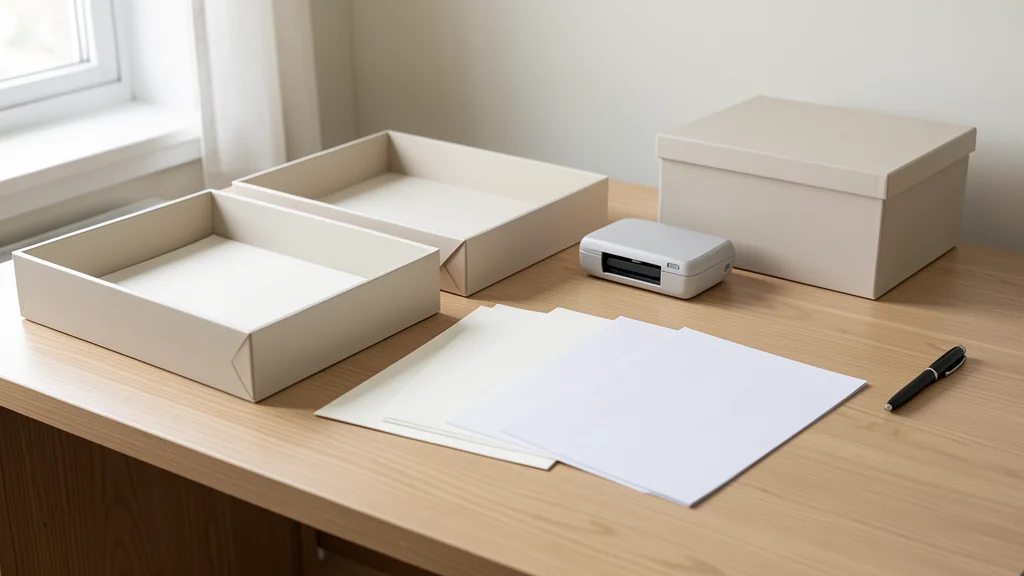
The most reliable setup is small enough to maintain: one inbox, one action area, a limited archive, and a regular processing appointment. Build it around the papers your household actually receives, then use the issuing organization, a qualified professional, or applicable official guidance to decide how long important tax, legal, insurance, property, or medical records should remain.
Key points
- Collect first; do not try to make decisions every time you touch the mail.
- File by the action or reason you would retrieve a document, not by an elaborate category tree.
- Retention needs vary. Confirm requirements for consequential records instead of following a universal timeline.
- A weekly processing session prevents the inbox from becoming permanent storage.
Start by mapping how paper enters your home
Before buying folders, notice the entry points. Mail may come through the front door, school papers arrive in a backpack, receipts collect in a wallet, and printed forms sit beside a computer. When each stream creates its own pile, the household has to remember several locations before it can complete one task.
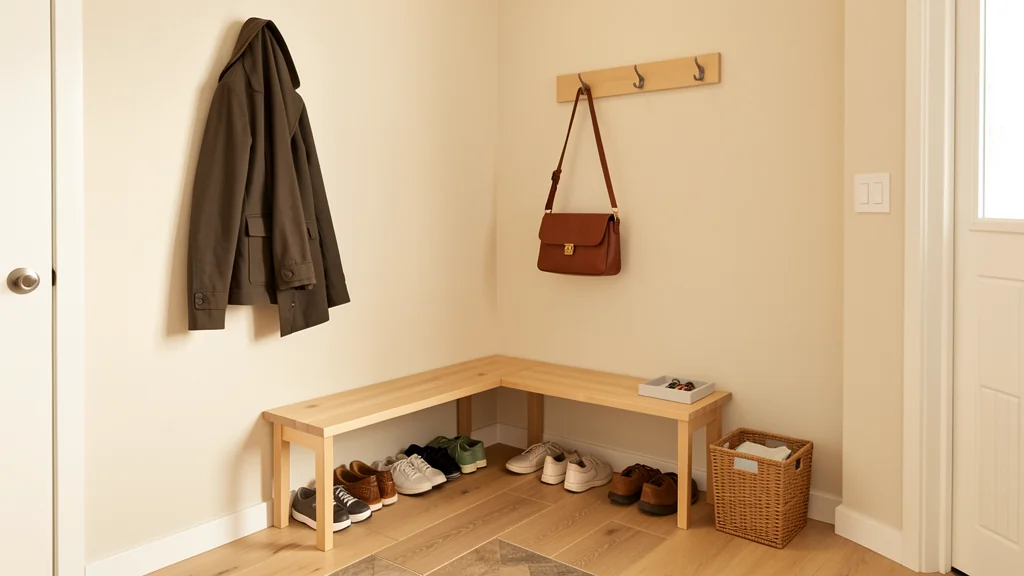
Choose a single physical inbox that is easy to reach from the main entry or the place where bags are unpacked. A shallow tray, wall pocket, or open magazine file can work. The container should fit the available surface and be usable by everyone who handles paper. If reaching a high shelf is difficult, place it at a comfortable height. If children or pets may disturb it, choose a stable or enclosed spot without hiding it from the adults who use it.
Move existing loose paper into that collection point, but leave bound reference materials, active project notebooks, and sentimental paper where they are for now. The first goal is to stop new scatter, not reorganize every document in one day.
Route paper by its next useful destination
During processing, ask what must happen next. The answer determines the destination. This is simpler than guessing whether a document belongs under finances, household, work, or family when several labels could apply.
| What the paper needs | Destination | Useful setup | Decision prompt |
|---|---|---|---|
| A task, response, payment, or signature | Action | One visible folder or a few folders by person | What is the next action, and when is it due? |
| Short-term reference for an active matter | Pending | A project folder or dated follow-up file | What event will make this useful again? |
| Ongoing proof or reference | Archive | Broad labeled folders in a drawer or file box | Why would we retrieve this, and who sets its retention need? |
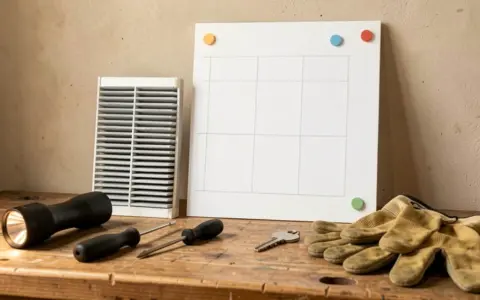
| Useful digitally but not physically | Scan | A scan queue beside the inbox | Is a digital copy acceptable for this purpose? |
| No action or continuing value | Recycle or securely discard | Appropriate bin or secure-destruction container | Does it contain information that should not be exposed? |
Keep the categories few. An action folder can hold the water bill waiting for review, a permission form waiting for a signature, and a receipt for an item that may be returned. Put a small note on the front page if the next step is not obvious. A calendar reminder can carry the due date; the physical folder carries the paper.
Build a minimum viable archive
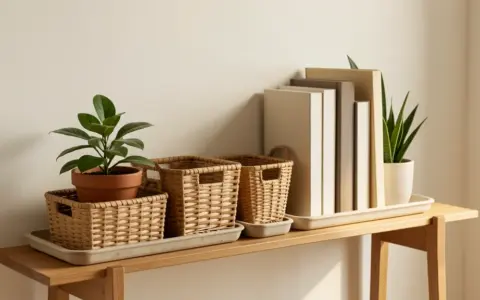
An archive is for records you expect to retrieve, not everything that feels too official to discard. Begin with broad folders based on real retrieval situations, such as housing, insurance, vehicles, taxes, health administration, education, warranties, and major purchases. Add a subfolder only after one broad folder becomes hard to search.
Do not apply one retention period to every household. Requirements and practical needs can differ by document, transaction, location, policy, and personal circumstances. For tax records, check the relevant tax authority or your tax professional. For leases, deeds, estate papers, court documents, insurance claims, and other consequential records, consult the issuing organization, current agreement, relevant authority, or qualified legal or financial professional. A handwritten review date can prompt a future decision without pretending the decision is universal.
Separate originals that would be difficult to replace from ordinary reference copies. Consider an appropriately secure, protected location for identity documents and other sensitive originals, based on the risks in your home and the access your household needs. Do not create a hiding place so obscure that authorized household members cannot find critical documents when needed.
If financial paperwork points to a future expense rather than an immediate bill, connect the record to the plan. A repair estimate, annual invoice, or renewal notice can become an input to a specific financial goal instead of remaining a forgotten sheet in a folder. Households with variable cash flow can also use a simple irregular-income budgeting system when deciding when an action can be funded.
Use digital copies selectively
Scanning can improve search and reduce physical volume, but it is not automatically safer or simpler. First decide whether the original is required or especially useful. A digital copy may be convenient for appliance receipts, reference handouts, and routine statements, while another document may need to remain in its original form. Confirm expectations with the recipient, issuer, agreement, authority, or professional when the distinction matters.
Create a predictable file name using information you would search for, such as date, organization, subject, and household member. Keep the format consistent rather than perfect. Store files in a small folder structure that mirrors your broad physical archive. Secure sensitive files with access controls and backups appropriate to your devices and household; a scan on one unprotected device should not be treated as a complete records plan.
Make scanning a deliberate batch task. A small scan queue keeps it from interrupting every processing session. After confirming that the file is legible, saved in the intended place, backed up as appropriate, and acceptable in digital form, decide whether the paper original still has a purpose.
A weekly paperwork workflow
- Gather. Bring wallet receipts, backpack forms, and any stray mail to the inbox.
- Remove obvious waste. Separate material with no action or reference value. Handle personal information with an appropriate secure-disposal method.
- Identify the next action. Pay, reply, sign, schedule, discuss, scan, or file. Write down unclear next steps rather than leaving them in your head.
- Do quick tasks. Complete genuinely brief actions while the document is in hand, provided they do not derail the session.
- Schedule the rest. Put due dates and follow-up dates on the calendar used by the responsible person.
- File completed records. Archive only what has a defined retrieval reason, then return active papers to the action folder.
- Reset the station. Empty disposal containers as appropriate and leave the inbox ready for the next week.
Choose a repeatable cue rather than an ambitious duration: after checking the weekend mail, before a household planning conversation, or during a regular bill-review session. In a shared home, assign ownership clearly. One person can collect paper without becoming responsible for every decision it contains.
A realistic example: the mixed Monday pile
Suppose the inbox holds a utility notice, a school permission form, a prescription receipt, an appliance warranty, a bank offer, and a contractor estimate. The school form goes to the responsible adult’s action folder with its due date on the family calendar. The utility notice is reviewed, then filed or discarded according to its continuing purpose. The receipt is routed according to the household’s reimbursement or record needs.
The warranty goes into the major-purchases archive with identifying purchase information already available from the transaction. The bank offer has no current value, so it is handled with suitable secure disposal. The contractor estimate remains in a project folder because the household is still comparing options; if the work is planned but not immediate, it may also prompt a sinking fund for the expected expense.
Nothing requires a perfect office. Each paper simply leaves the inbox with an action, a destination, or a justified exit.
Common mistakes that make filing harder
- Buying supplies before observing the flow. Containers cannot fix unclear decisions. Use temporary folders until your recurring categories become visible.
- Creating a folder for every sender. A large folder tree increases hesitation. File according to how you would look for the paper later.
- Using the inbox as an archive. Set a physical limit and a processing cue. If the tray fills quickly, increase processing frequency or investigate the source of the volume.
- Scanning without a retrieval system. Unnamed images and downloads reproduce the pile on a screen.
- Discarding based on a generic online checklist. Consequential records deserve source-specific guidance, not a universal promise.
- Making one person the household memory. Shared calendar entries, visible action folders, and agreed ownership reduce dependence on reminders from one individual.
Questions people ask about home paperwork
How many folders should I start with?
Start with an inbox, an action folder, a pending or active-project folder, and several broad archive folders that match your household. Add categories only when retrieval becomes difficult. The useful number is the smallest set that lets you decide quickly and find records reliably.
What if I am already facing several boxes of paper?
Protect current obligations first. Set up the new inbox and action folder, then process the backlog in bounded batches. Begin with anything time-sensitive, then sort by action and retrieval value. Keep the unsorted boxes contained so the project does not take over a room.
Should every receipt be saved?
No single rule fits every receipt. Consider return windows, warranties, reimbursements, taxes, insurance, budgeting, and proof of purchase. Confirm consequential retention needs with the relevant authority or professional, and avoid keeping a receipt merely because deciding feels uncomfortable.
How do I manage paperwork in a very small home?
Use a vertical wall pocket where permitted, a lidded portable file box, or one drawer near the household planning area. Keep sensitive materials appropriately secured. The workflow matters more than a dedicated office, and the entire active system can fit in a compact container.
Final takeaway
A workable paper system answers four questions: where new paper lands, what happens next, where useful records live, and when the system gets processed. Keep those answers visible and simple. Confirm document-specific requirements from an authoritative source when stakes are high, then let the rest of the paper move through the smallest system your household can consistently use.

Logan Delaney is the staff byline for Cactos New Hub guides on personal finance, smart shopping, personal style, and everyday decisions. Articles under this byline are reviewed for clarity, usefulness, and internal consistency before publication.